
What to do when your cloud PBX stops working
Find out how to diagnose a cloud PBX outage, restore your phone service and reduce disruption to your business with practical troubleshooting steps.
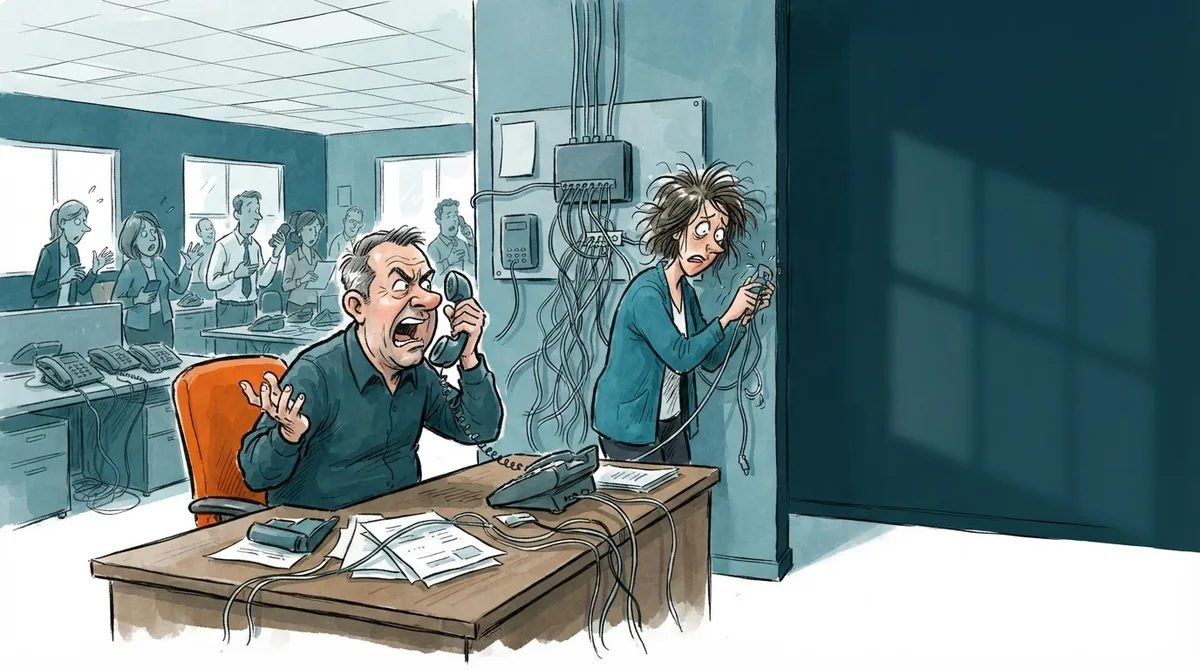
What to do when your cloud PBX stops working
If your cloud PBX stops working, act quickly to limit the disruption to your business. A cloud PBX is a business phone system that uses Voice over IP (VoIP) to handle calls and bring business communications together.
Common reasons your cloud PBX may stop working
If your cloud PBX stops working, check for:
- Internet connectivity problems
- An outage at your cloud PBX provider
- Incorrect settings
- Integration problems with other systems, such as your CRM
Related to this article
SIP Trunk
- Live within 24 business hours
- Works with the leading IP PBXs
- Number porting included
from €5/month excl. VAT
See SIP Trunk plansSteps to troubleshoot the problem
Check your internet connection
Make sure your internet connection is working. A connection failure may be the cause.
Check your provider’s service status
Check whether your cloud PBX provider has reported a service issue. Visit its website or contact it directly. If you use Universal Telecom’s contact center or SIP Trunk, check whether either service is affected.
Check your settings
Review your cloud PBX settings, including your DID (direct inward dialling) numbers and call routing.
Check integrations with other systems
If your cloud PBX is connected to a CRM or digital marketing tools, check that those integrations are working.
You may also like
Benefits of a reliable cloud PBX
A cloud PBX that is properly configured and maintained can:
- Reduce hardware and maintenance costs compared with an on-site PBX
- Improve customer service with features such as call recording and smart call routing
- Automate tasks through integrations with other systems
- Scale as your business needs change
Universal Telecom offers cloud PBX services with VoIP calling and customer service call handling. AI call analysis is provided by utio.io. Proper configuration and maintenance help keep calls running, but no feature list can guarantee zero downtime.
FAQs
What is a cloud PBX?
A cloud PBX is a business phone system hosted in the cloud. It uses voice over internet protocol (VoIP) to handle calls over an internet connection.
How can I prevent my cloud PBX from going down?
Use a reliable internet connection, check your cloud PBX configuration and keep integrations with other systems up to date. These steps reduce the risk of an outage.
What if the problem persists?
If the problem continues after troubleshooting, contact your cloud PBX provider for support.
To find out how Universal Telecom can help maintain and improve your business phone system, visit universaltelecom.es or email comercial@universaltelecom.es.